

Offer
Mobile Ticket Inspection
Tickets Assigned to Payment Cards
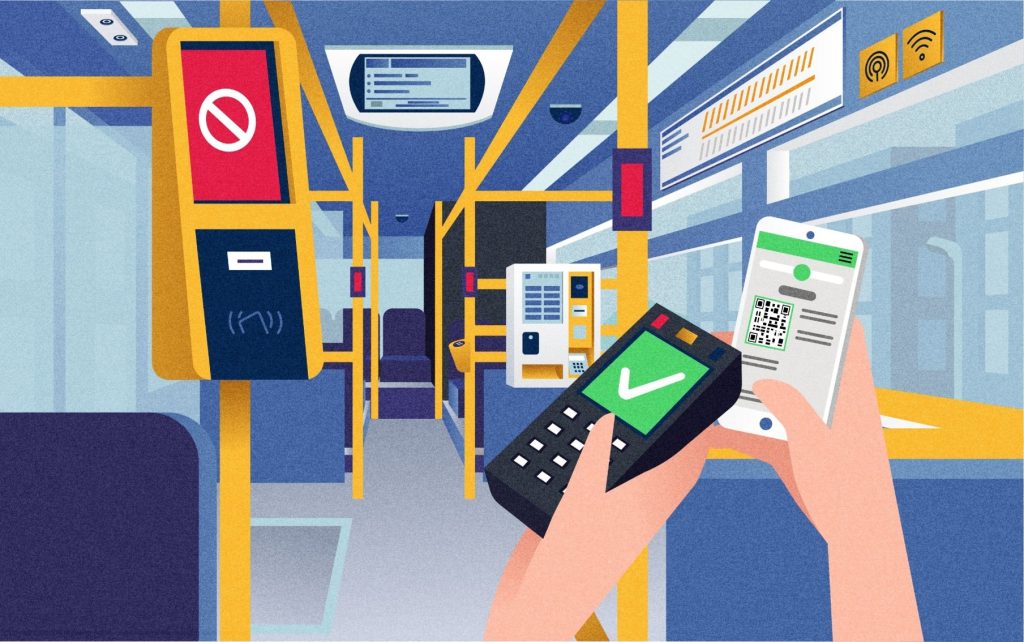
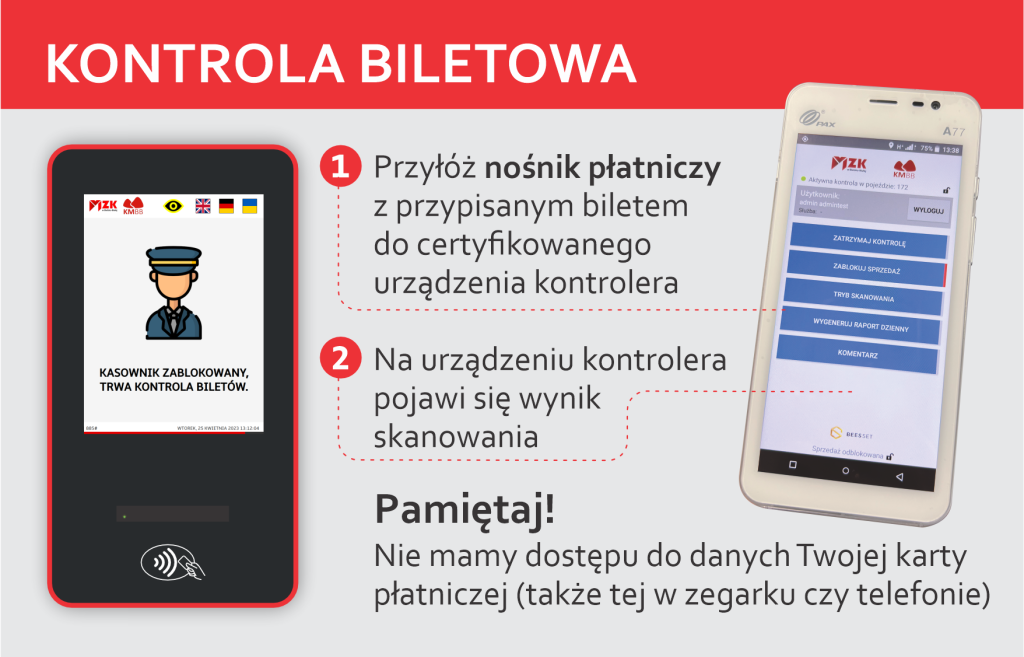
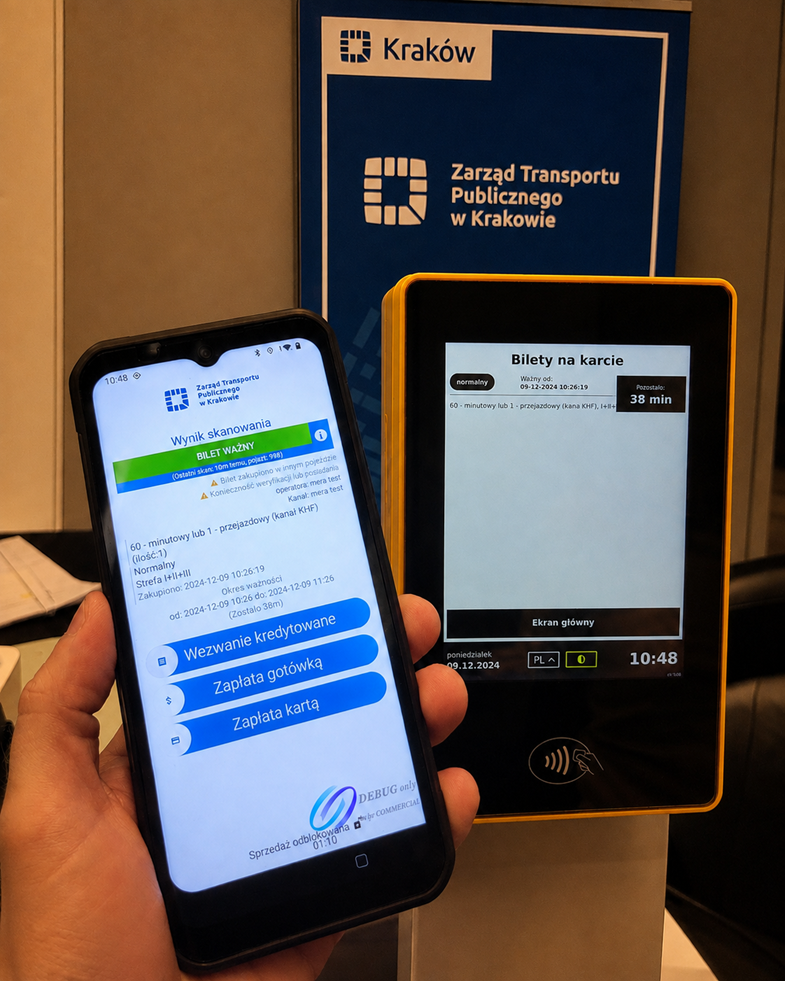
In systems where a payment card also serves as the ticket identifier, the inspector can verify the passenger’s entitlement to travel by presenting the same card or mobile device that was used to make the purchase.
Based on the card number (PAN) and a dedicated library, the application generates a unique token for the payment medium and then retrieves the list of tickets assigned to it from the central system. The inspector can open the details of each ticket and verify its current status.
2D Code and Document Inspection
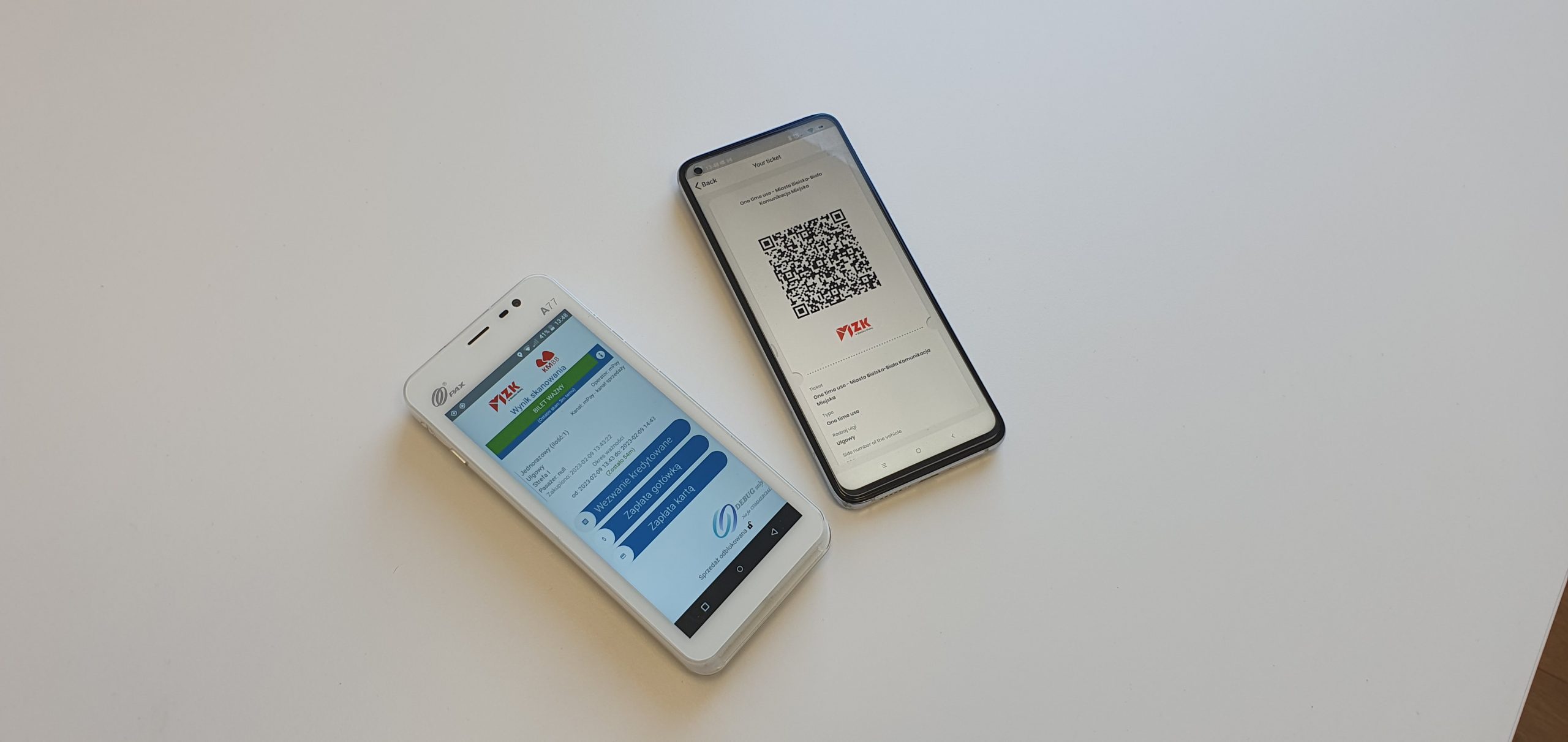
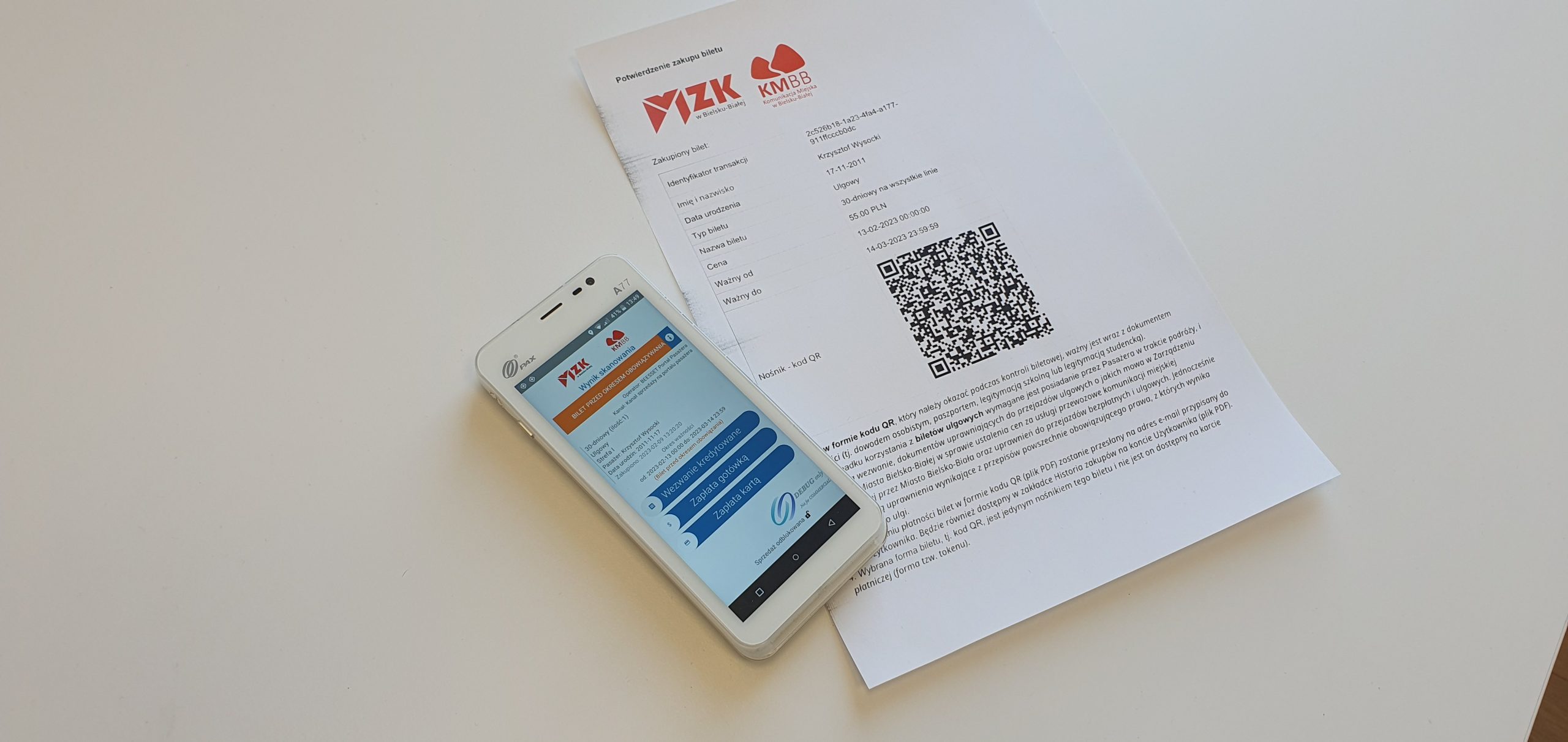
The application supports tickets stored as 2D codes protected with the sales operator’s digital signature. As part of previous deployments, it has been integrated with nationwide ticket sales applications such as moBILET, SkyCash, Jakdojade, zBiletem, and GoPay. The BEESSET ticket inspection application also supports the inspection of P&R parking tickets, for example in Kraków, which entitle passengers to use public transport.
The inspection system also supports operator key management. During ticket inspection, the application can notify the inspector if a key has expired, has been suspended, or is missing and therefore cannot be used to correctly verify the digital signature.
In addition to tickets, the application can also read data stored in a 2D code on a ZUS identification card, supporting verification of a passenger’s entitlement to discounted or free travel.
Inspector Team Operations
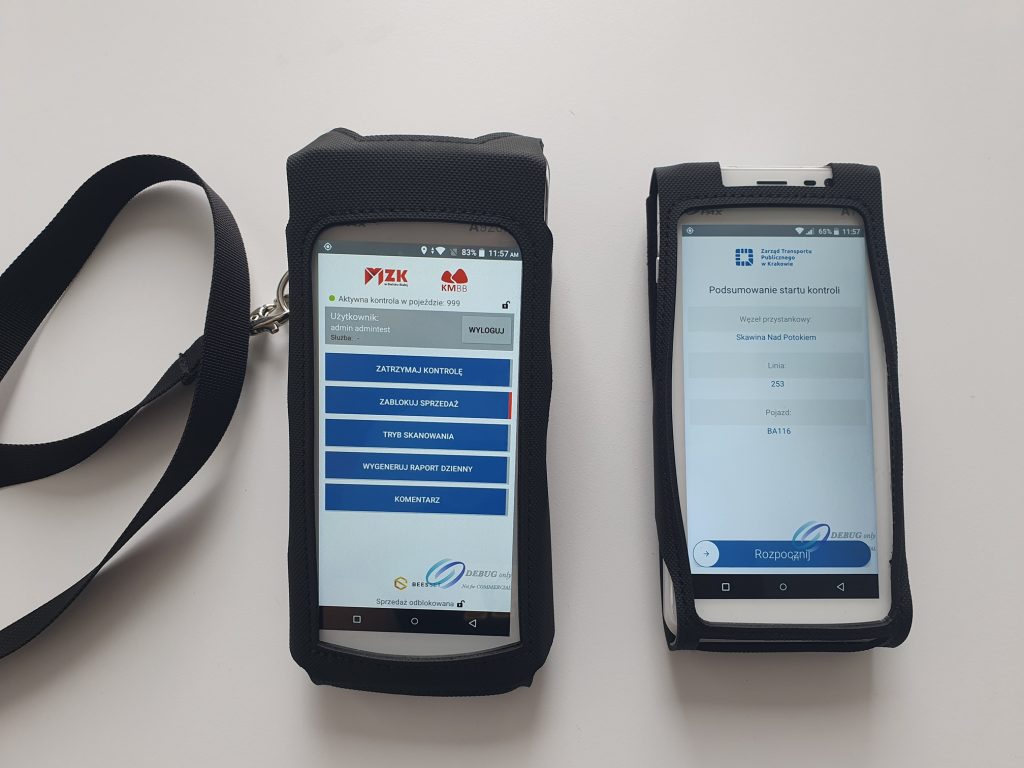
The application supports inspection teams using multiple devices simultaneously. Inspectors assigned to the same shift receive synchronized information about the start and end of inspections, sales restrictions, and leaving the vehicle.
Actions performed by one team member are automatically visible on the other devices, allowing several inspectors to operate as a single synchronized team.
Reporting and Work Documentation
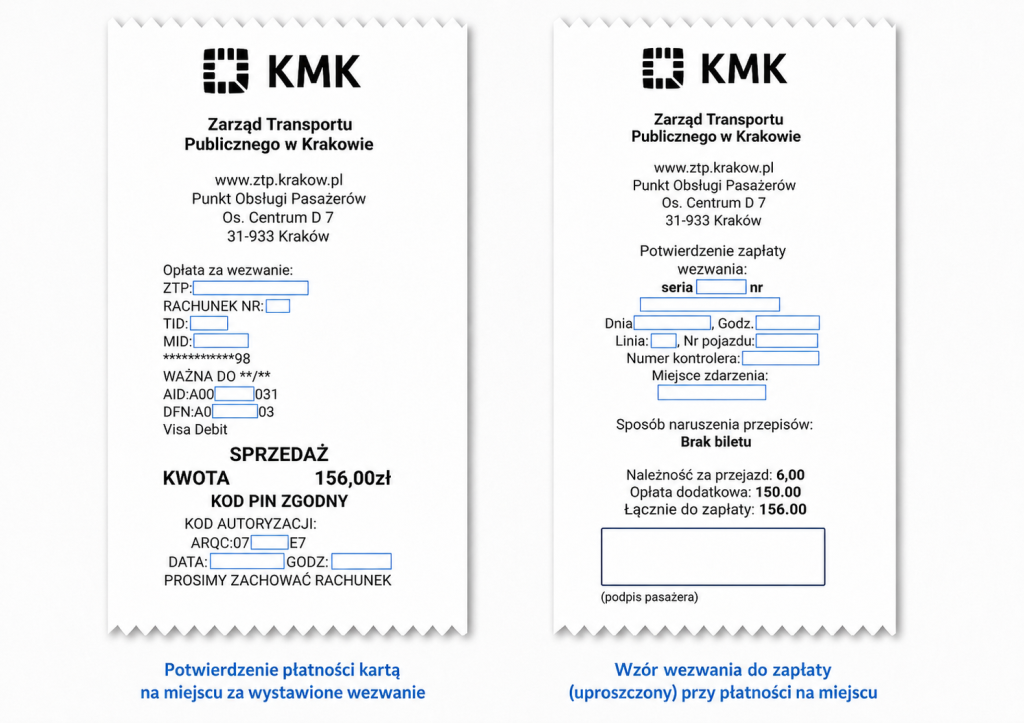
Inspectors can generate a daily report in PDF format directly on the device. The report includes information about completed inspections, comments, additional activities performed, the number of payment notices issued, and payments collected.
The application also allows comments to be added to a specific inspection or to the entire shift, making it easier to document unusual events and provide additional information to the central system.
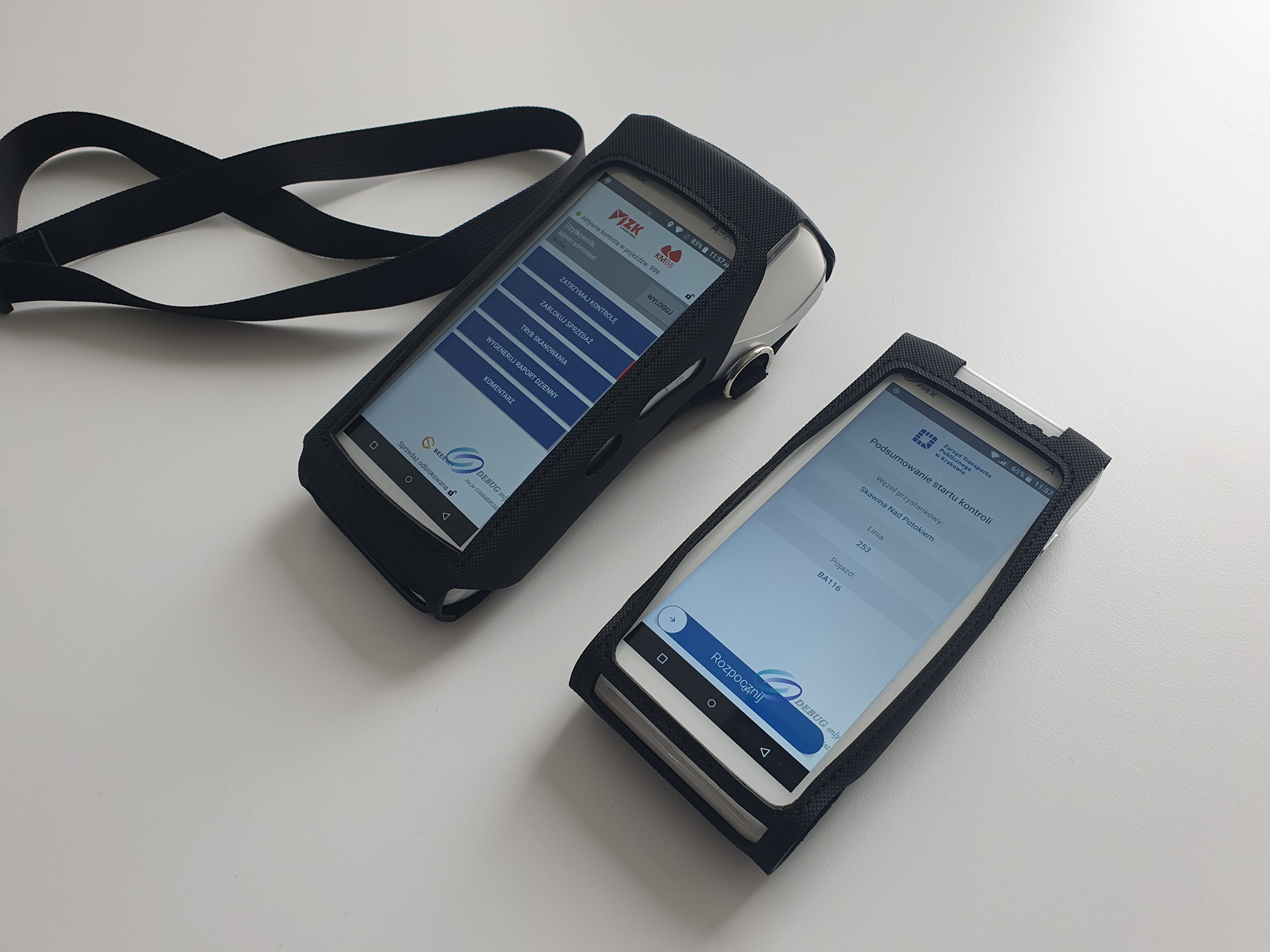
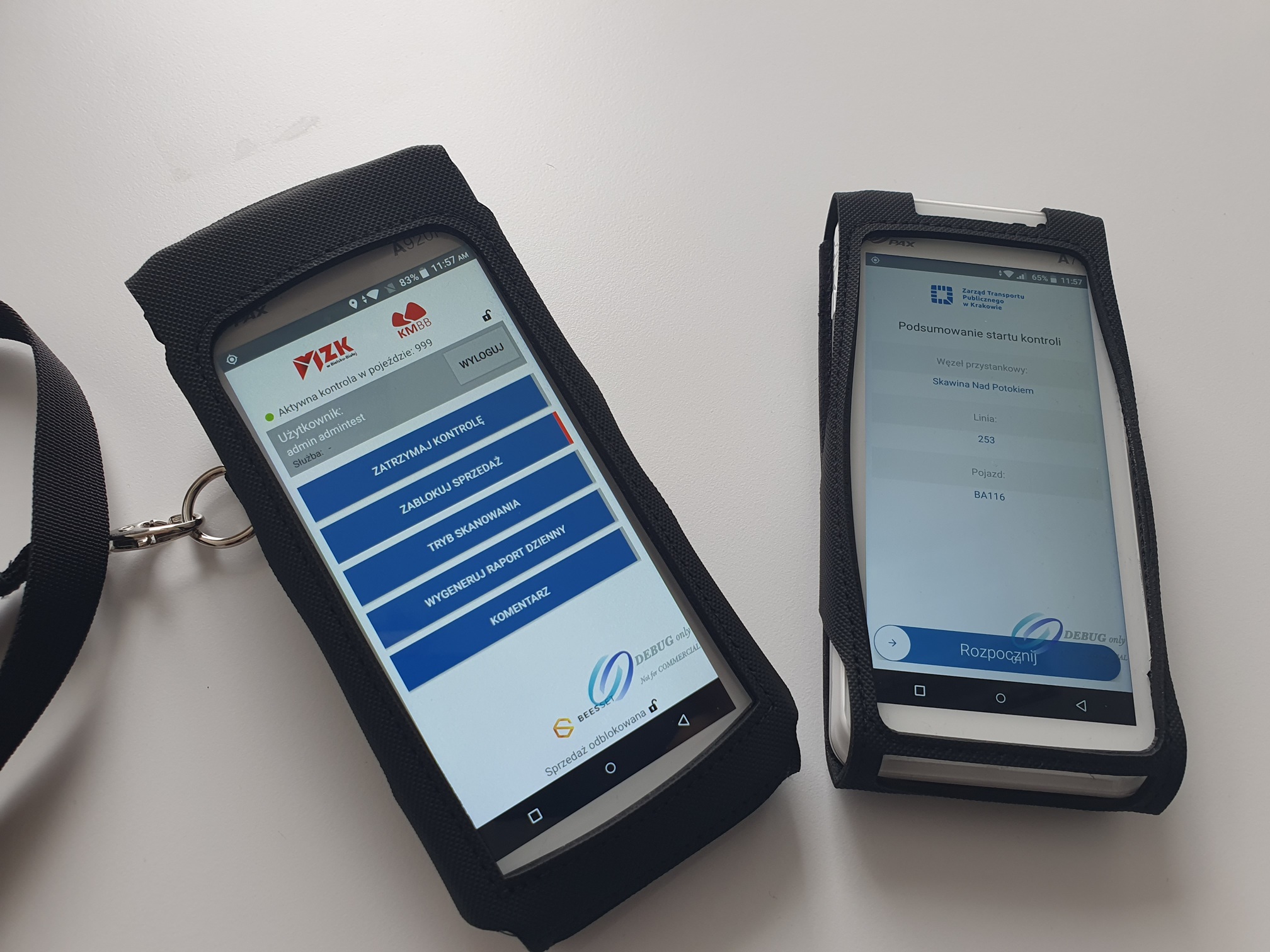
One Tool for the Entire Ticket Inspection Process
The BEESSET ticket inspection application combines within a single device vehicle identification, verification of various ticket media, payment card and 2D code handling, sales blocking, inspection documentation, payment notice issuance, payment processing, and inspector activity reporting.
Continuous synchronization with the central system ensures that inspection data is transferred directly into subsequent back-office processes. This reduces the need for manual data re-entry, streamlines the work of inspection teams, and enables ongoing supervision of ticket inspection activities.
The application integrates with the Cloud Collector Data Warehouse, in particular with the Ticket Inspection Module and the Ticket Sales Module, as well as with the WindyFlow system, which supports further processing and high-volume debt collection related to issued payment notices.
BEESSET ticket inspection solutions are currently in use in cities including Kraków, Białystok, Bielsko-Biała, Grudziądz, Ełk, Tomaszów Mazowiecki, Żywiec, Zakopane, and Wolsztyn.
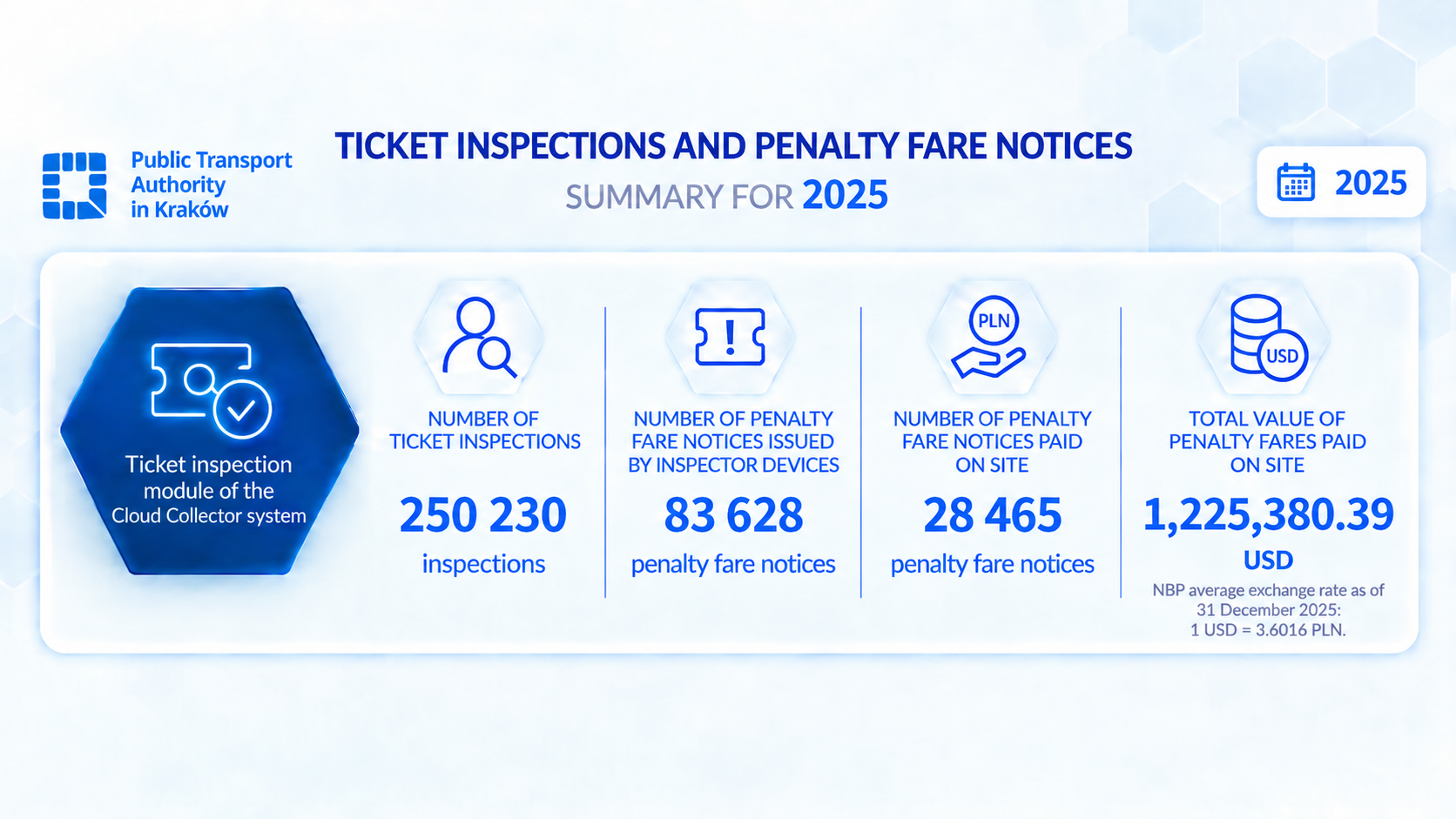
Below, we present 2025 statistics from our largest deployment:
Example video demonstrating the ticket inspection application in Bielsko-Biała:
Example of contactless payment card tokenization using a PAX D200 device connected to an Android device running the ticket inspection application:
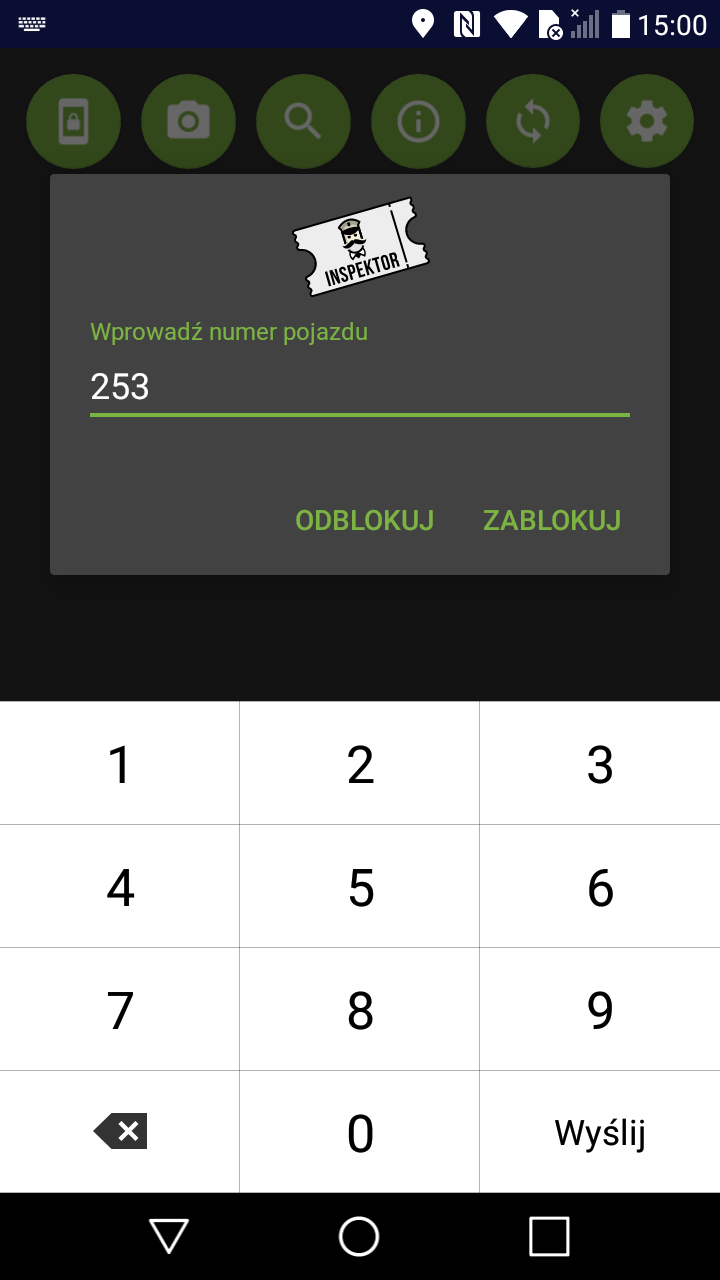
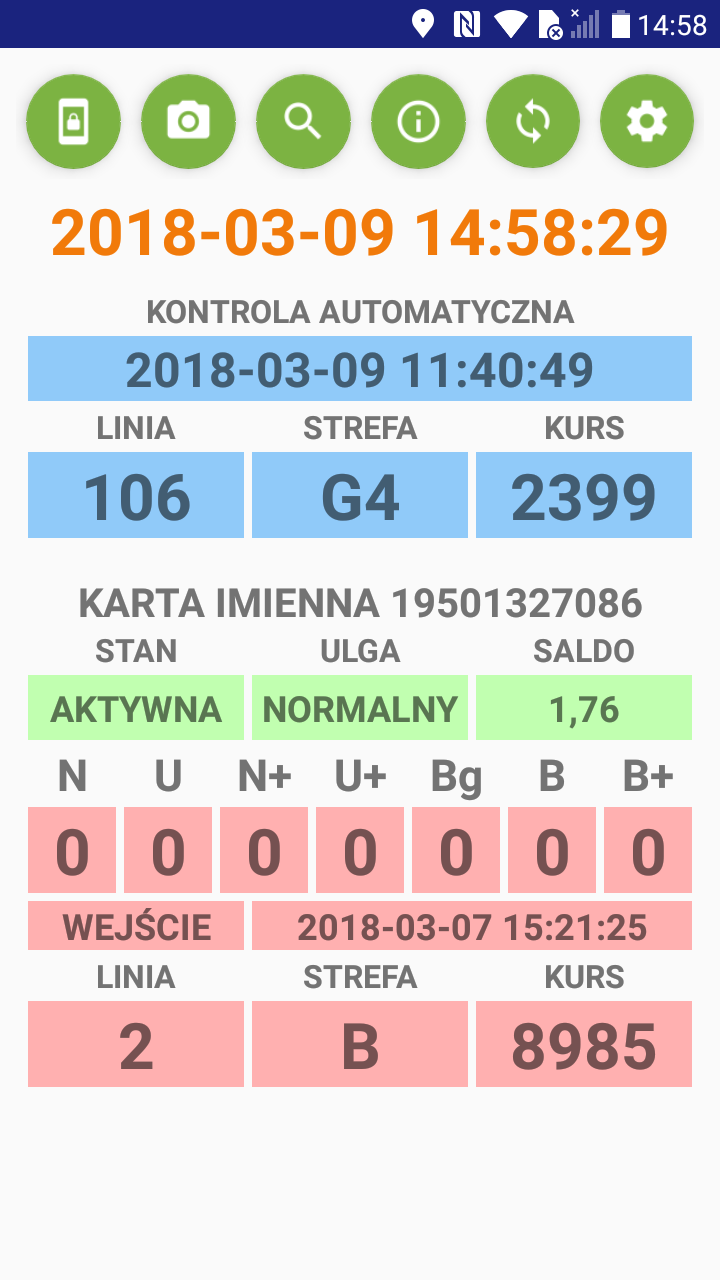
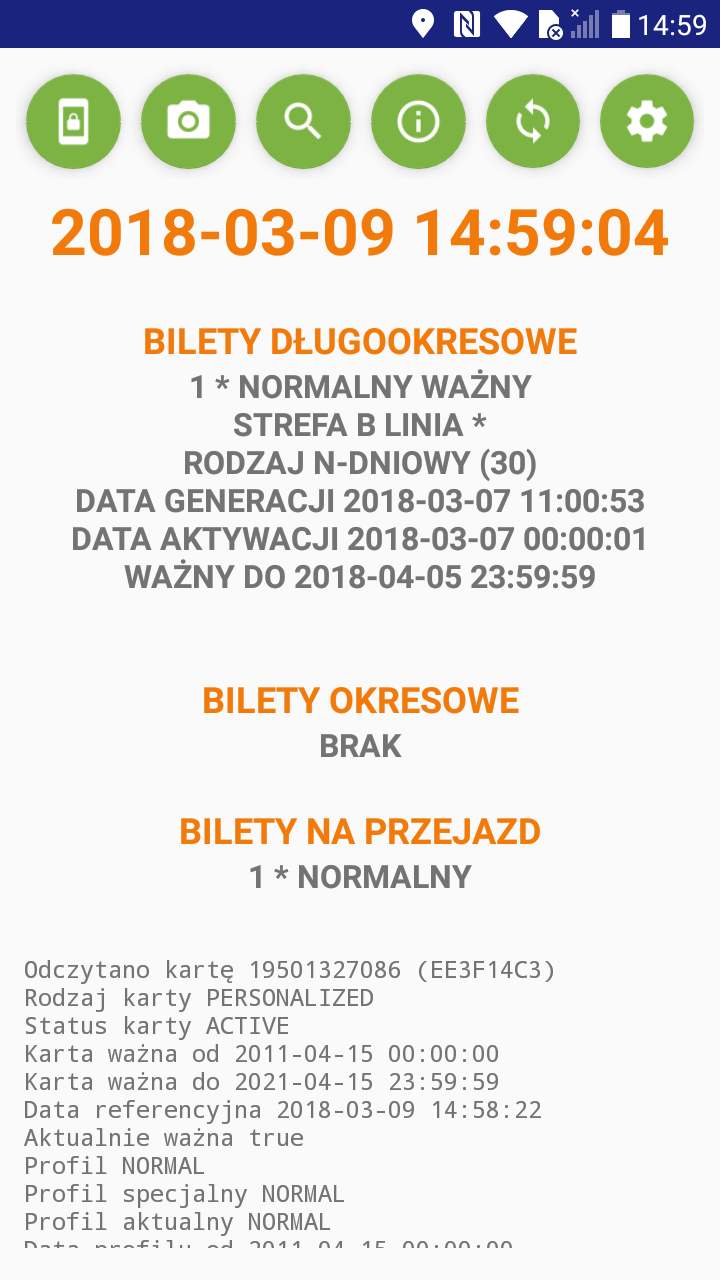
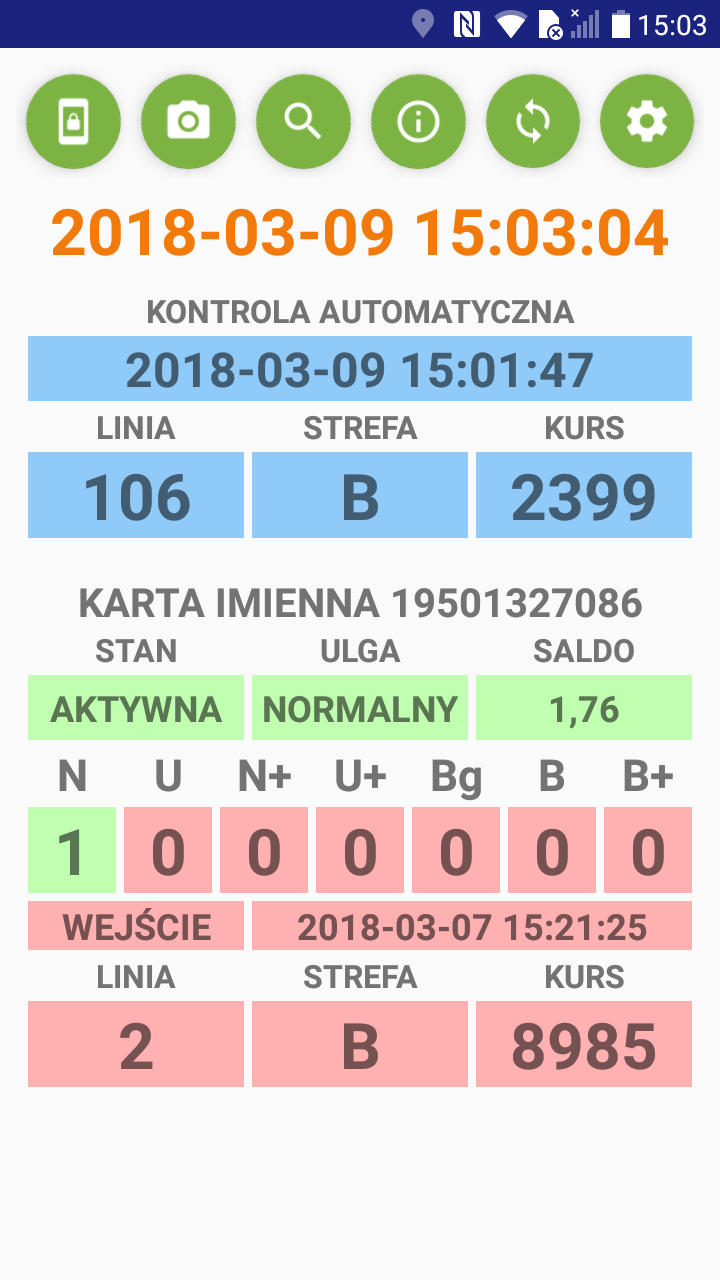
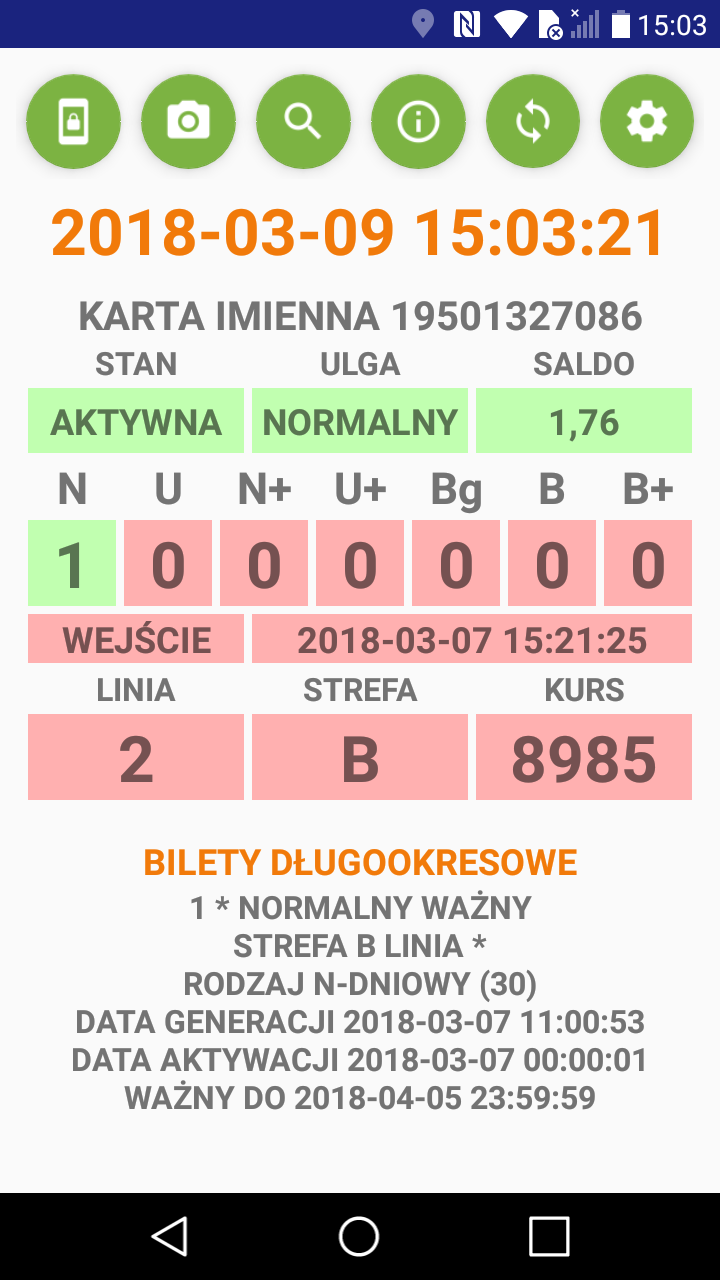
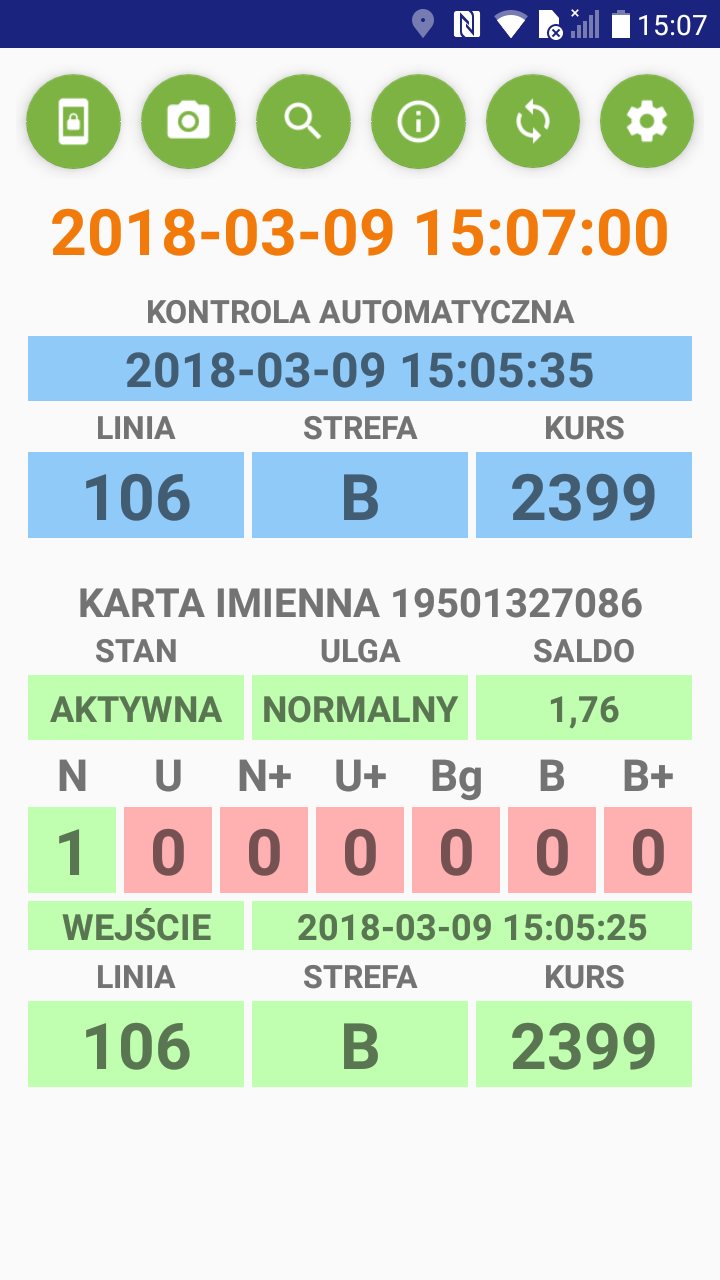
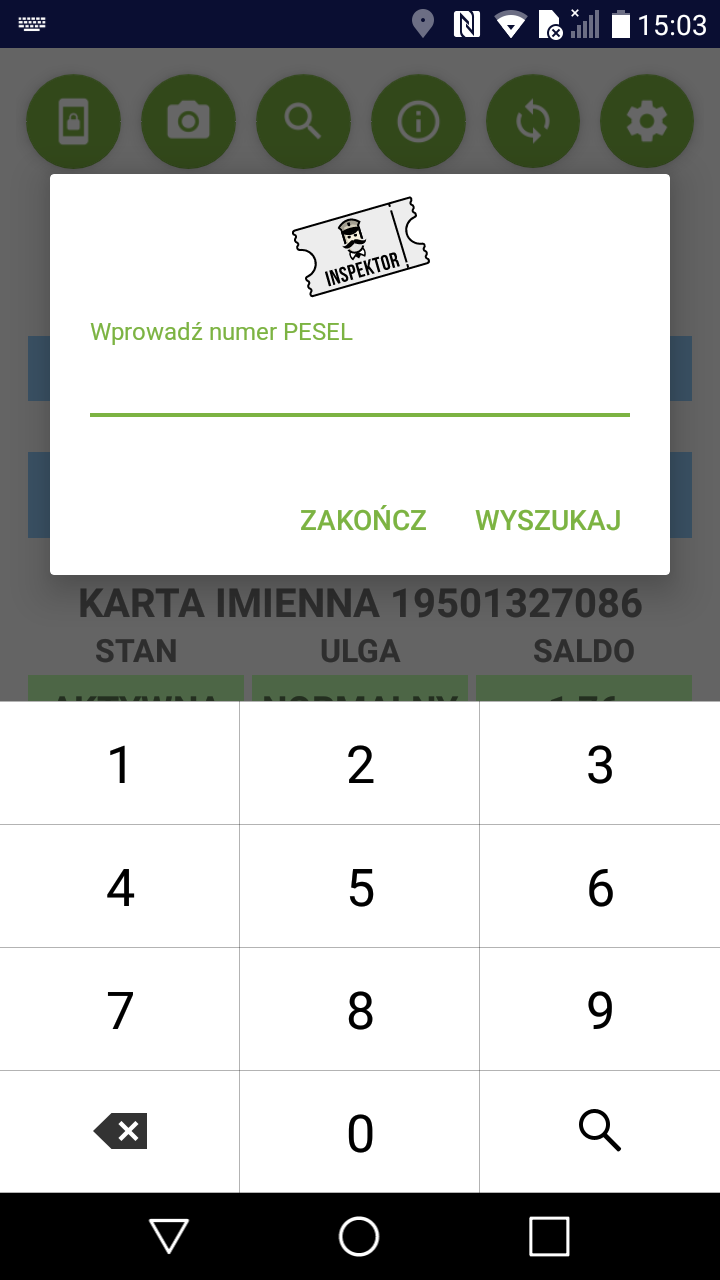
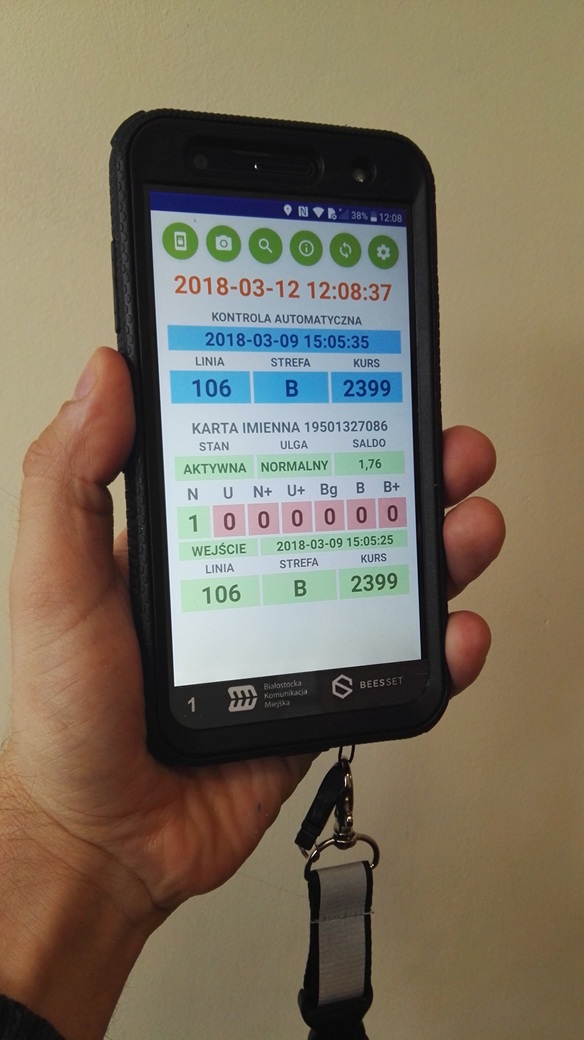
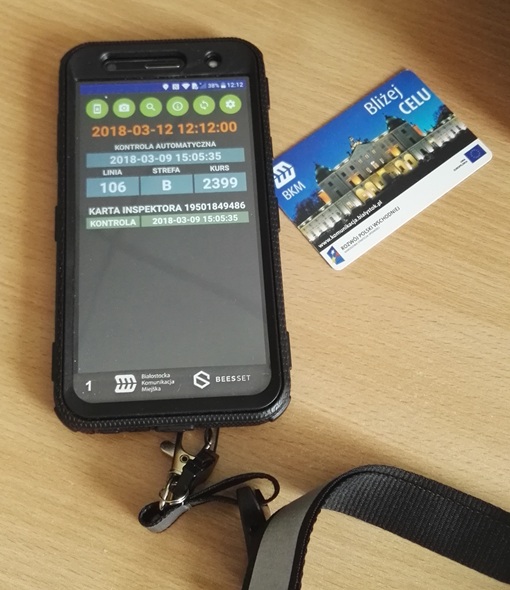
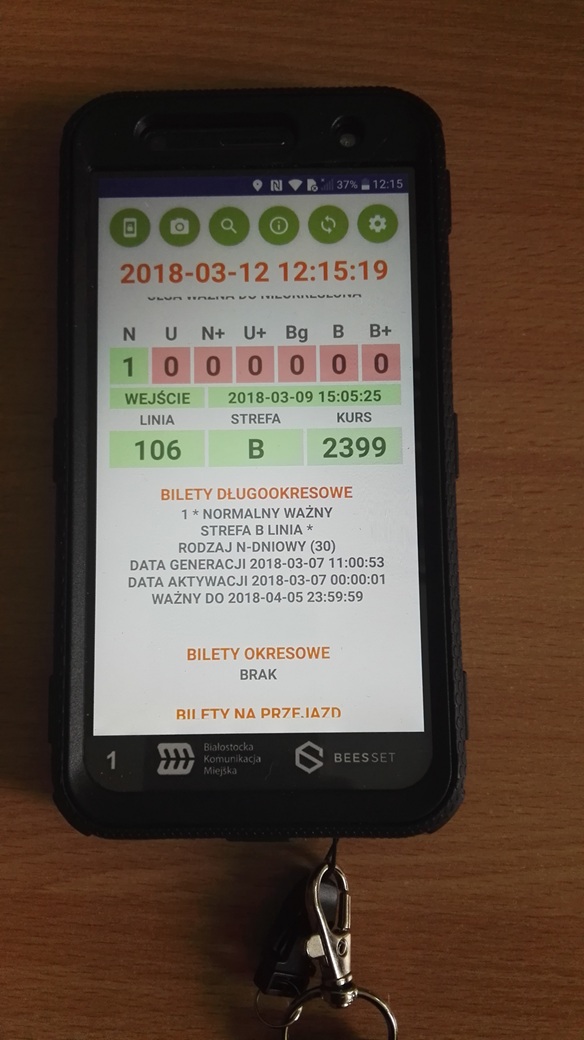
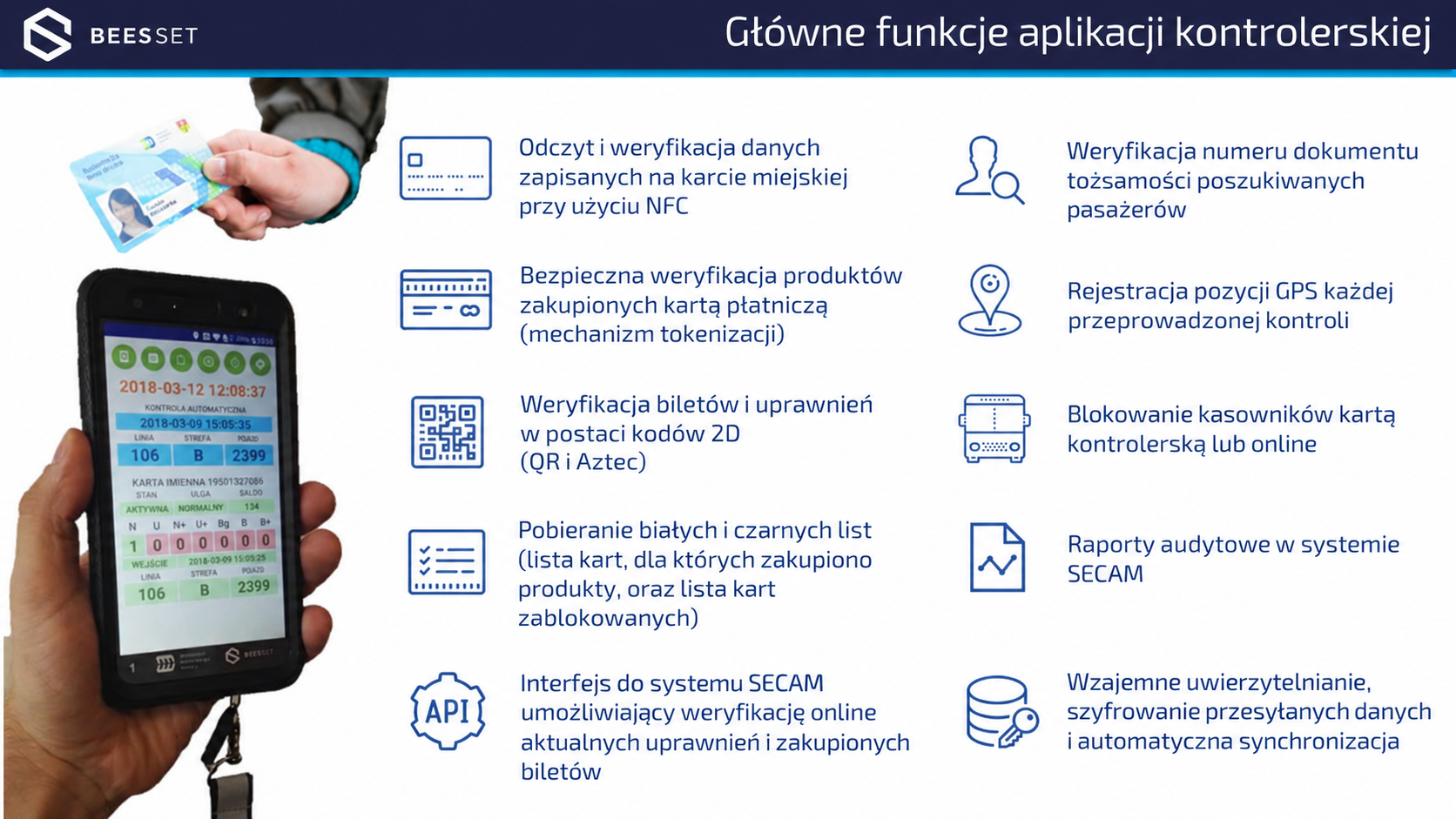
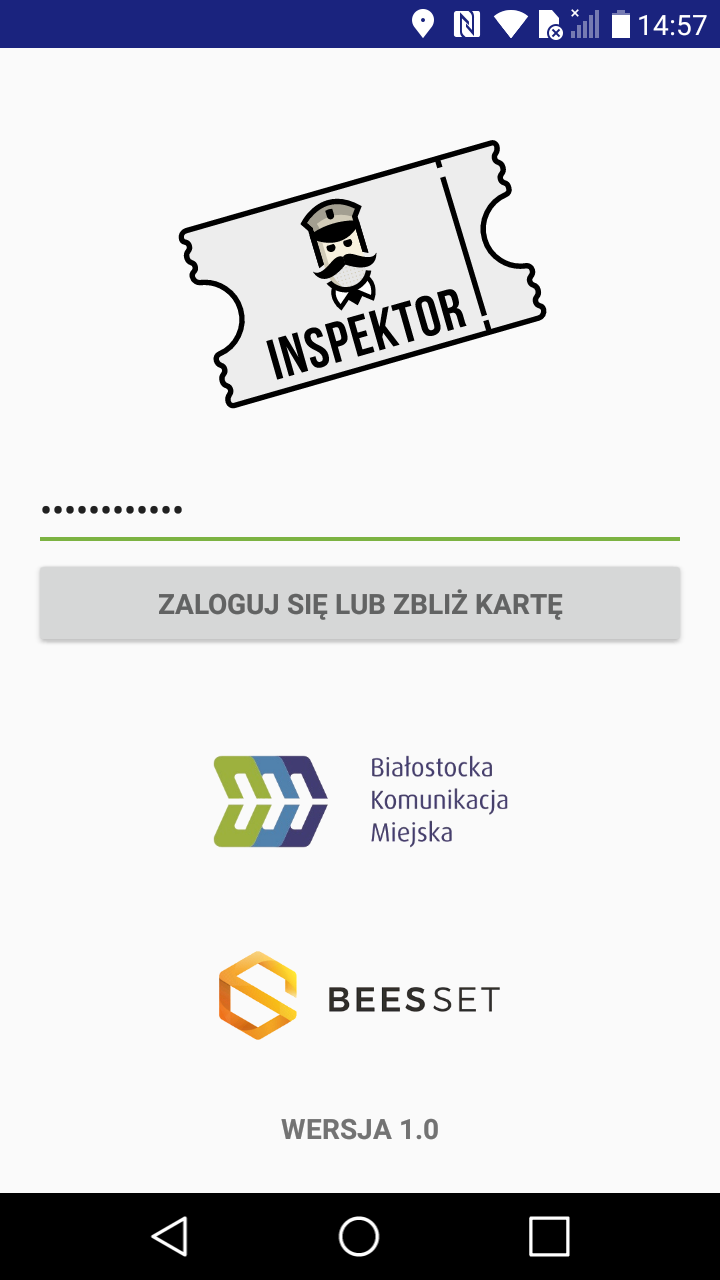
Example screens from the Inspektor ticket inspection application used in Białystok with the SECAM system:
Related Articles
See all
14/09/2026
New NV1 Validator Interface in MZK Bielsko-Biała Buses
As part of the continuous development of the software used in NV1 paper ticket validators installed in the newest buses operated by MZK Bielsko-Biała, together with Pixel Sp. z o.o. we have developed a new dedicated graphical interface aligned with the current visual identity. The validator screen now provides passengers not only with functions related […]
More information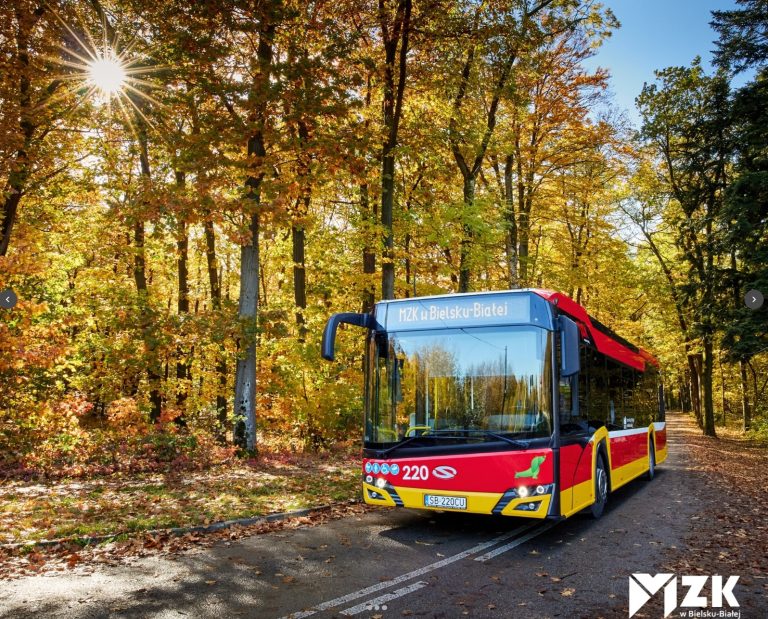
17/08/2026
Beesset as part of MZK Bielsko-Biała’s digital transformation
Bielsko-Biała is one of the cities where, over the past few years, we have had the opportunity to participate in a number of projects related to the digital transformation of public transport. Working under various cooperation models and subcontracting arrangements, we have delivered solutions including passenger information systems, such as the www.rozklady.bielsko.pl portal, components of […]
More information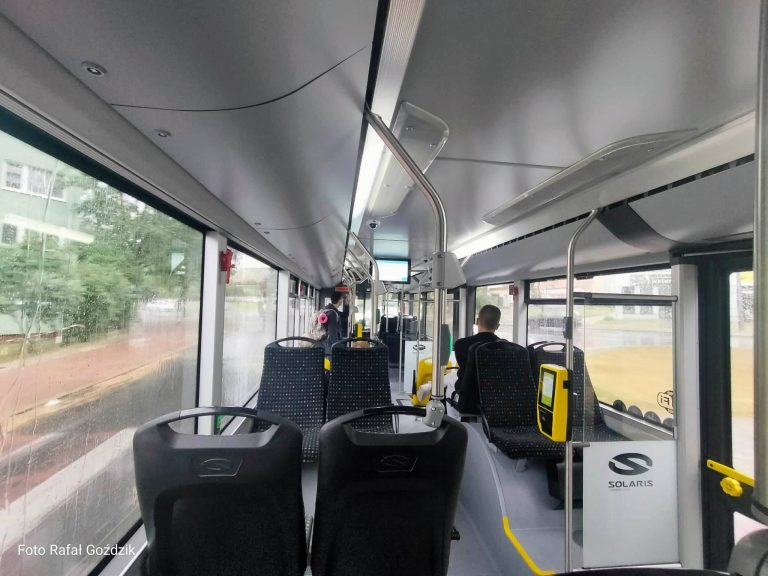
07/08/2026
NV1 validators in new electric buses operated by MZK Tomaszów Mazowiecki
In July 2026, together with the delivery of two new Solaris electric buses for Miejski Zakład Komunikacyjny w Tomaszowie Mazowieckim Sp. z o.o., we had the opportunity, in cooperation with Pixel, to equip the vehicles with NV1 validators enabling passengers to purchase tickets using a contactless payment card. The validators work together with Pixel’s XC-6 […]
More information